
Development-Ready Is Not Product-Ready: What We Learned Selling AI-Generated Code
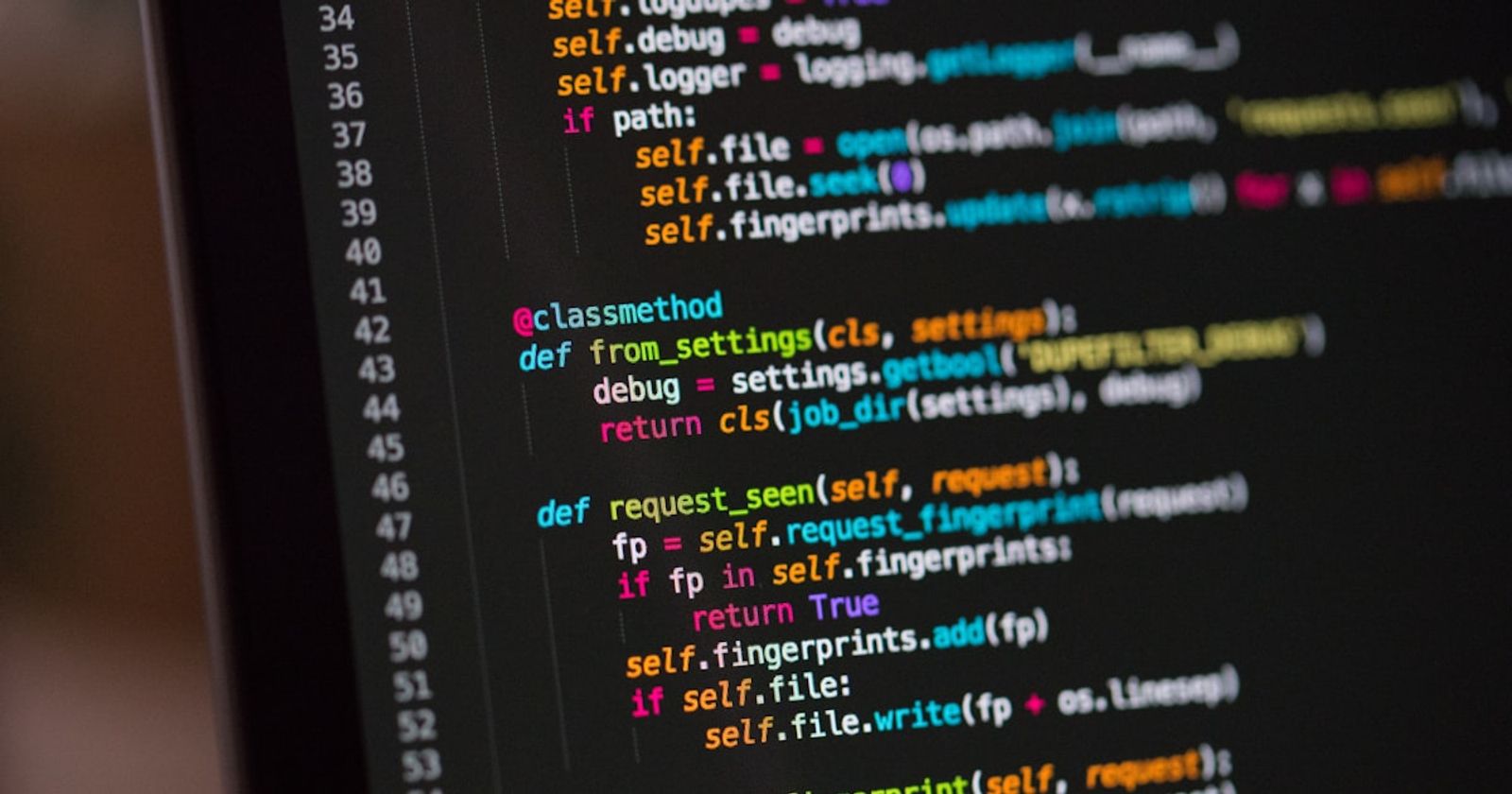
We shipped AI-built software that looked done and wasn't. Here's the 5-point checklist we now run on every codebase — and why 43% of AI code still needs fixing post-launch.
We sold some garbage.
Not because we didn't know how to write code — we've been building software for other people for over three years. We sold it because in 2025, when AI code generation got good enough to fool the person paying for it, it also got good enough to fool the people shipping it. Us included. We handed over things that ran, that demoed clean, that looked done — and weren't.
I want to be clear up front, because this is not one of those posts where someone who is scared of AI tells you AI is bad. We use AI every day. On real client projects, we ship several times faster than we would writing every line by hand — roughly 6x on a well-structured project, with proper test cases and a proper review process. I am not here to tell you to stop using these tools. I am here to tell you what happens between "it works on my screen" and "you can actually sell this," because that gap is where all of our rescue work lives, and almost nobody explains it honestly.
Key Takeaways
- AI tools build what they're asked, not what a production environment requires — a codebase that demos clean can still be structurally broken
- In 2024, 43% of AI-generated code changes required debugging after reaching production, not during QA (VentureBeat, 2024)
- Fixing an architectural flaw woven through every file costs more than rebuilding from scratch — that's the real trap in inherited AI codebases
- The human review step — not the AI — is what separates development-ready from product-ready
The Button That Cost More Than the Page
Here is the one I still think about.
Mid-2025. A client came to us with a landing site built on one of the AI site builders that were popular that year. Big site — around 60 to 70 pages. It looked good. On the builder's own preview, it looked finished.
There is a "Contact Us" section on that site with a call-to-action button, and that button appears on every single page. The client asked for something that should take thirty seconds: change the text on the button.
There was no thirty-second version. The button had not been built once and reused everywhere. It had been copy-pasted into all 60-odd pages as its own separate thing. To change the text, we had to open every page, find the button by hand, and change it there, one page at a time. No single source of truth. No component to edit once.
That is the whole problem in one story. Finding and fixing the mistake cost us more than it would have cost to build the component correctly from scratch. And that sentence — finding the mistake costs more than rebuilding it clean — is the thing this entire post is about. Hold onto it.
Why "It Works" Fools Everyone
The reason this keeps happening is a gap most people don't have language for, so I'll give you ours: development-ready is not product-ready.
A prototype from an AI builder is development-ready. It runs. It demos. The screenshot looks right. To a founder who doesn't read code, it doesn't just look close to done — it looks done. So they bring it to us and say, reasonably, "it's basically finished, you just need to change a couple of lines."
But development-ready and product-ready are two different things, and the distance between them is exactly the part you can't see in a screenshot:
- The layout looks perfect at the one screen width the builder previewed it at. Put it on a different screen ratio and it falls apart — and it falls apart in a scattered way, across many files, so there is no single fix.
- The "happy path" works. Type the expected input, click the expected button, and it does the expected thing. But empty states, bad input, the unexpected click, the corner cases — those were never handled. The AI did exactly, and only, what it was asked. Nothing more.
- The code runs but has no structure. The 60-page button is this: no reusability, no architecture, just output that happened to work.
None of these show up in a demo. All of them show up the first time a real user does something slightly unexpected, or the first time the client asks for a change.
| Development environment | Production environment | |
|---|---|---|
| Users | Developer team | Real customers + adversarial actors |
| Data | Clean, synthetic | Messy, unexpected, malformed |
| Load | 1–5 concurrent users | Hundreds or thousands |
| Errors | Visible in the console | Often swallowed silently |
| Corner cases | Rarely tested | Hit within hours of launch |
The numbers back this up. In 2024, a VentureBeat survey found 43% of AI-generated code changes required debugging after reaching production — not during development, not during QA, but after real users arrived (VentureBeat, 2024). The demo didn't catch it. Production did.
In 2025, Veracode studied AI-generated code across more than 100 large language models and found 45% of samples contained at least one security vulnerability — including missing input validation, broken authentication flows, and cross-site scripting failures. These don't appear in demos because demos don't include adversarial users or unexpected inputs. They appear when real users arrive and do things the spec never anticipated.
Veracode, AI-Generated Code Security Risks, September 2025
The Real Skill Isn't Writing the Code. It's Instructing It.
For a while, our advice to clients was blunt: don't build it with AI yourself. Let us instruct the AI. Don't worry about the cost, we'll handle that part.
That sounds like a sales line. It isn't. The actual mechanism is worth understanding — whether or not you ever work with us.
Our clients have the business idea. What they don't have is a model, in their head, of how code works. So when they instruct an AI, they give it the what — the business requirement — and they leave the how for the AI to fill in. And the AI does fill it in. It guesses. That guess is the copy-pasted button, the broken responsiveness, the missing corner case.
When we instruct the same AI, we give it both halves: the business requirement and what the underlying tech should look like — how it should be structured, what should be reused, which edge cases matter. We can do that because we carry the "how" in our heads already. The founder's prompt and our prompt produce very different code from the same model, for the same feature, because ours closes the gap the model would otherwise guess at.
That guess — the difference between what the client's instruction produces and what ours does — is, honestly, most of what we get paid to fix. You can see the kinds of projects we've turned around in our case studies.
The Checklist: Run This on Your Own Codebase Tonight
If you have an AI-generated codebase and you want to know how much trouble you're in before you call anyone, here is the actual audit we run. You can do most of it yourself.
1. Componentized, or copy-pasted?
Take something that appears in many places — a button, a header, a card. Change it once. Does it change everywhere, or do you have to hunt it down page by page? If it's the second one, you have the 60-page problem, and every future change costs the same tax.
2. Responsiveness — handled, or scattered?
Open it on three different screen sizes: a phone, a tablet, a wide monitor. If it only holds together at the one width it was built at, know that the fix isn't in one place. It's spread across every file that renders layout.
3. Happy path only, or corner cases covered?
Do the unexpected. Submit the form empty. Type a letter where a number goes. Click twice fast. Load a page with no data. If any of these breaks, the AI built the demo, not the product — it handled what it was asked and nothing else.
4. Is there a spec behind it, or just prompts?
Ask whether the codebase was built from a real plan — a written brief, a proper brainstorming session turned into instructions — or from a chain of one-off prompts. This is the difference between AI code that's good and AI code that's garbage. We've found that a proper brief, distilled into a clear instruction file before any code is generated, produces genuinely good output. Prompt-by-prompt with no plan produces the messes.
5. The rebuild-or-fix test
This is the most important one. Look at where the problem lives. Is the flaw local — one broken function, one wrong file — or is it architectural, woven through every file the way the copy-pasted button was?
If it's local, fix it. If it's woven through everything, stop, and rebuild it clean. Patching an architectural flaw one instance at a time will cost you more than rebuilding — that's the 60-page button, and it's the single most expensive mistake you can make when you inherit one of these codebases. When the flaw is everywhere, "just change a couple of lines" is the most expensive sentence in the project.
If you want a second opinion on where your codebase sits, reach out and we'll take a look.
How We Keep Our Own Code Off This List
Fair question to ask us: you use AI heavily, you ship 6x faster with it — so why won't your code become somebody's rescue project next year?
Honest answer: because the human is in the loop by design, not bolted on afterward.
Over the last several months we've taken on a lot of AI-assisted work at deliberately thin margins. We're not optimising those projects for profit. We're optimising them so our own engineers learn to drive these tools well — on real, live projects, with real responsibility and real deadlines, not throwaway practice repos. You don't learn to ship product-ready AI code by playing with a dummy project. You learn it when the timeline is strict and the client is real.
And the thing that keeps our output off the rescue pile is the same thing missing from the codebases we get called to fix: manual QA, and a human who understands the whole project reviewing what the AI produced. The AI guesses at the "how." A person who holds the model in their head catches the guess before it ships. That review step — human-in-the-loop, every time — is not overhead. It's the product.
AI-generated code is not the enemy. We'd be hypocrites to say so. Ungoverned AI-generated code is the enemy — code shipped with no plan behind it, no structure inside it, and no human judgment on top of it. The tools have gotten remarkably good. The discipline is still yours to bring.
If you're building a SaaS product and want a team that ships fast without leaving a cleanup bill behind, see how we work or what we've shipped.
Frequently Asked Questions
When does it make sense to fix an AI-built codebase vs. rebuild it?
Fix it when the problem is local — a specific bug in a specific file. Rebuild when the problem is architectural — the same bad pattern repeated across every file, the way the 60-page button was. The rebuild-or-fix test (item 5 in the checklist above) will tell you which you're dealing with in under an hour.
Should I use AI tools to build my product, or hire developers?
Both — but in the right order. AI tools are fastest at generating first drafts. Developers with domain knowledge turn those drafts into code that survives production, by writing the "how" that AI guesses at. The mistake isn't using AI. It's using AI without a human who holds the full mental model of the system reviewing what comes out. We staff exactly that kind of team if you need one.
My product is live and was built with AI tools. What should I check first?
Run items 1, 3, and 5 from the checklist above: componentization, corner case handling, and the rebuild-or-fix test. If all three are clean, you're likely in reasonable shape. If any fail, the sooner you know, the cheaper the fix — a structural problem that costs $5,000 to address today will cost significantly more after your user base has grown into it. Talk to us if you want a fast read on it.
*Darshan Ghetiya is Co-Founder of Techiebutler Technologies, a Rajkot-based software company that builds custom software and provides engineering teams to companies worldwide. If you've inherited an AI-generated codebase and you're not sure whether to fix it or rebuild it, that's a question we answer for a living — start the conversation here.*
Sources
- VentureBeat, "43% of AI-Generated Code Changes Need Debugging in Production," 2024, retrieved 2026-07-15
- Veracode, "AI-Generated Code Security Risks," September 2025, retrieved 2026-07-15